


Pimax Crystal Super
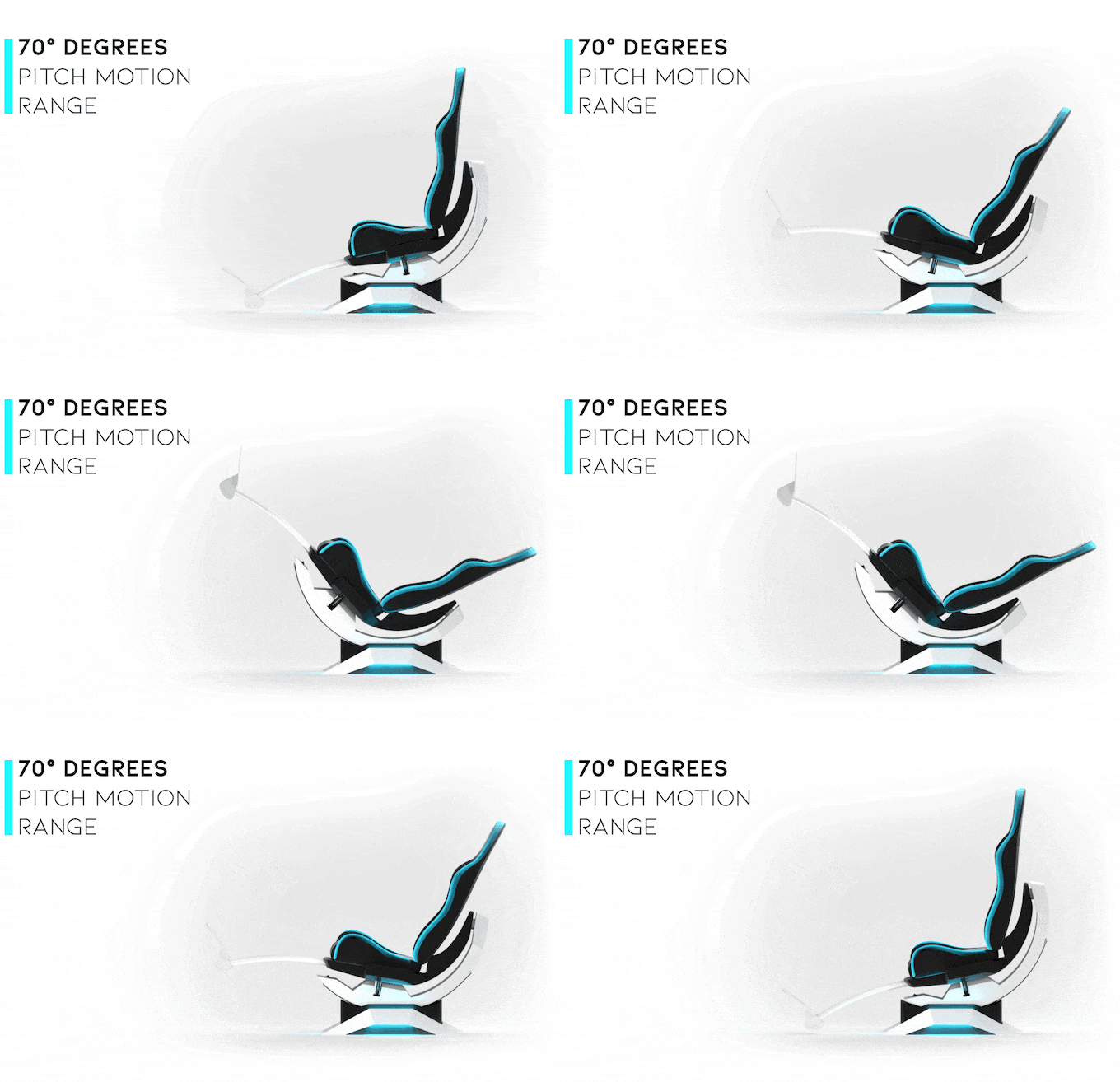
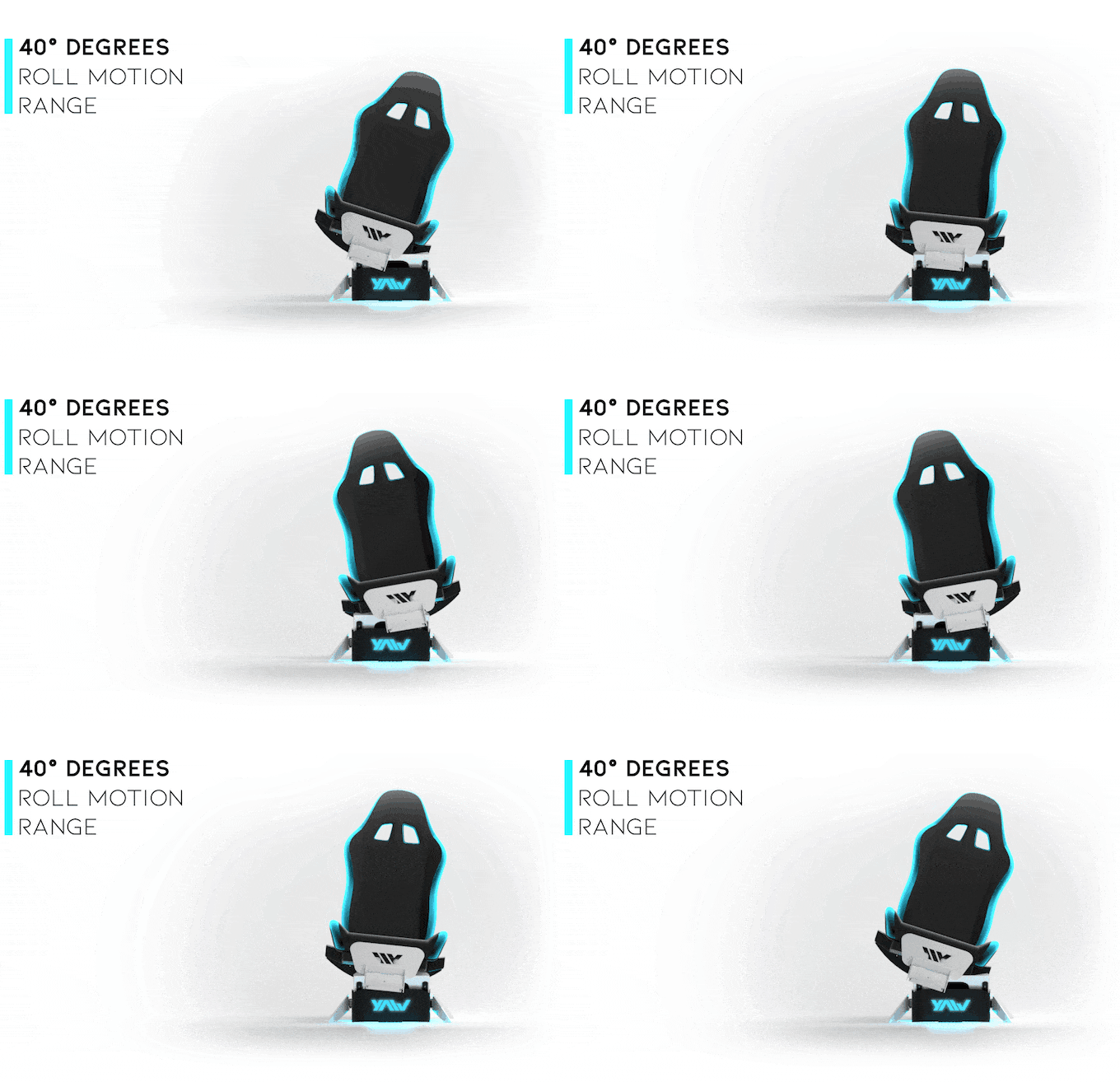
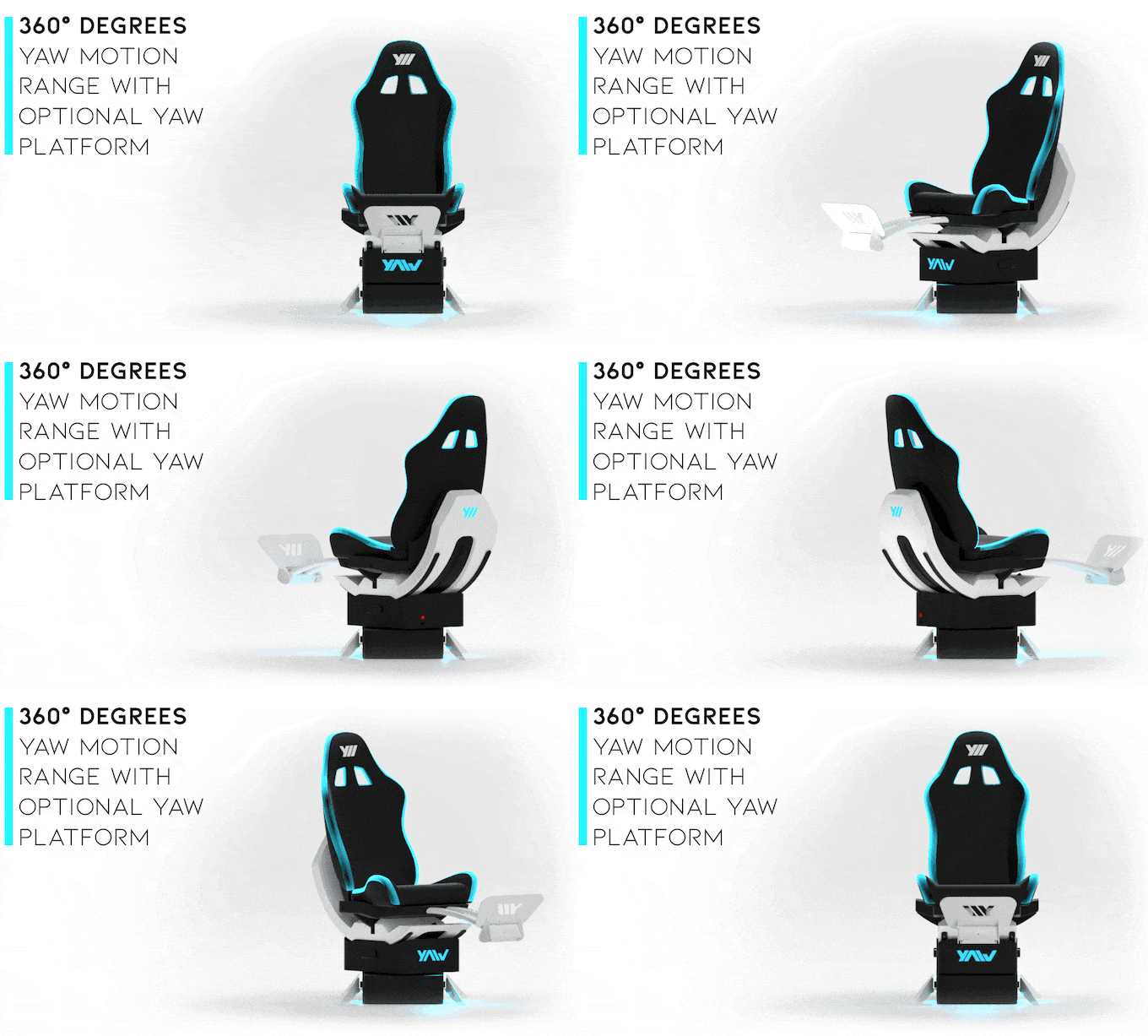
Turn Any Flight Simulator Into Real Motion
Feel every turn, acceleration, and turbulence — physically.
✔ Works perfect with MSFS, DCS
✔ Real motion, not vibration
✔ Free shipping · DDP to most countries
✔ All in one box, setup in 30–60 minutes (except the DK version)
- Free shipping on Yaw U, Business, Bundle and Pimax · Others calculated at checkout
- In stock, ready to ship
Pairs well with

Pimax Crystal Super QLED
The highest-resolution, widest-FOV PCVR headset available — built for flight simulation, sim racing, and any application where clarity, coverage, and latency are non-negotiable. Paired with Yaw U, it is the definitive full-motion simulation setup.
In DCS World, the difference between 35 PPD and 50 PPD is the difference between squinting at cockpit instruments and reading them. The difference between 96° and 127° FOV is the difference between detecting a threat at your four o'clock in peripheral vision — and not. The Crystal Super exists at the top of the market for a reason: simulation demands it.
Optimized for Yaw U Full-Motion Simulator
The Crystal Super integrates natively with the Yaw U motion platform via OXRMC (Open XR Motion Compensation) — which reads the YawVRGEFile memory-mapped file to eliminate the vestibular-visual conflict that causes simulator sickness. Dynamic Foveated Rendering (DFR) powered by eye-tracking recovers the GPU headroom needed to run Yaw U motion compensation + DCS World at high settings. This is the pairing.
🖥️ 3840 × 3840 QLED + Local Dimming 2.0
29+ million pixels per pair. QLED MiniLED panels with ~1,000 local dimming zones per eye — the first local dimming solution engineered specifically for VR. Each zone has its own driver (vs. 4 zones shared in previous generation). Result: OLED-rivaling contrast, 280 nits brightness, no ghosting.
👁️ Tobii 120Hz Eye Tracking + Dynamic Foveated Rendering
Eye tracking at 120fps with motorized auto-IPD (55–72mm, ±1mm precision). DFR renders full resolution only where you look — cutting GPU load by 30–50% while maintaining perceived clarity. Essential for running DCS World at high settings on the Crystal Super's native resolution.
🔭 Swappable Optical Engine System
The Crystal Super ships with QLED optics and accepts optional alternative engines (including Micro-OLED). Swap at home in minutes. Choose between 50 PPD (127° FOV) for maximum field coverage or 57 PPD (106° FOV) for maximum center sharpness — depending on your mission.
📡 Dual Tracking: Inside-Out + Lighthouse 2.0
Four-camera inside-out SLAM tracking covers 6DoF headset and controller tracking without base stations. Optional Lighthouse 2.0 faceplate available for fixed setups requiring sub-millimeter precision. Best-in-class tracking flexibility for any sim environment.
"The image in DCS during a daylight scenario is very clear and bright, showcasing the real advantage of QLED and glass lenses. Even with most DCS settings set to high, the headset maintained a solid 90 frames per second at its native resolution — the eye-tracking and DFR make all the difference."
— Verified DCS World user, Pimax Community Reviews"I'm looking at the screws in the cockpit, and they're so crisp. There is no screen door effect. There is no distortion. The colors are clear, and the brightness is very high."
— Thomas, Pimax Crystal Super Early Access Review50 PPD — 127° Ultrawide
- 3840 × 3840 per eye
- 127° horizontal FOV (standard)
- Up to 140° in Lab Mode
- 50 pixels per degree
- Refresh: 72 / 90Hz (100Hz Lab)
- Best for situational awareness, dogfighting, threat detection
57 PPD — 106° High Clarity
- 3840 × 3840 per eye
- 106° horizontal FOV
- 57 pixels per degree
- Refresh: 72 / 90Hz
- Tighter FOV, maximum center sharpness
- Best for helicopters, complex cockpit panels
| Specification | Value |
|---|---|
| Display Technology | QLED + MiniLED (Local Dimming 2.0) |
| Resolution per Eye | 3840 × 3840 (29+ million pixels total) |
| Pixels per Degree | 50 PPD (127° optics) / 57 PPD (106° optics) |
| Horizontal FOV | 127° standard / 106° (57 PPD optics) / up to 140° Lab Mode |
| Vertical FOV | 105° (50 PPD) / 90° (57 PPD) |
| Refresh Rate | 72Hz / 90Hz (variable) — 100Hz in Lab Mode |
| Local Dimming | ~1,000 zones per eye, dedicated driver per zone |
| Brightness | ~280 nits |
| Lenses | Glass aspheric — large sweet spot, anti-reflective coating |
| Eye Tracking | Tobii, 120Hz — Dynamic Foveated Rendering 2.0 |
| IPD Adjustment | Motorized auto-IPD, 55–72mm, ±1mm precision |
| Tracking System | Inside-out SLAM (4 cameras, 6DoF) — no base stations required |
| Optional Tracking | Lighthouse 2.0 faceplate (sold separately) |
| Optical Engines | Swappable — QLED (included), Micro-OLED (optional) |
| PC Connection | DisplayPort 1.4a + USB 3.2 Gen 2 — 5m fiber cable included |
| Audio | Integrated speakers + 3.5mm jack for DMAS earphones |
| Microphone | 2× integrated |
| Controllers | 2× included (inside-out tracked) |
| Battery | Not required — tethered PCVR only |
| Weight | ~850g headset / ~966g with DMAS earphones |
| Yaw U Compatibility | Full — OXRMC + YawVRGEFile native motion compensation |
| Software | Pimax Play / Pimax Client 2.0 — SteamVR + OpenXR compatible |
Minimum
- GPU: NVIDIA RTX 2080 / AMD equiv.
- CPU: Intel i7-9700K or equiv.
- RAM: 16GB DDR4
- Storage: NVMe SSD recommended
- Port: DisplayPort 1.4a + USB 3.2
Recommended (DCS World + Yaw U)
- GPU: RTX 4090 or RTX 5080/5090
- CPU: i9-14900K / R9 7950X or equiv.
- RAM: 64GB DDR5
- Storage: NVMe Gen 4 SSD
- Port: DisplayPort 1.4a + USB 3.2 Gen 2
When running the Crystal Super on a Yaw U motion platform, OXRMC (Open XR Motion Compensation) handles the motion compensation automatically by reading the Yaw U's YawVRGEFile memory-mapped interface. This keeps the virtual cockpit locked to the physical cockpit regardless of platform orientation — the external world moves, the cockpit stays stable.
- Install OXRMC — verify it is first in the OpenXR API layer list
- In GameLink settings.json: set
MMFType=GAMEDATA, MMFAxes=ALL, TrackerMemoryFile=true - Measure and enter RotCenter.Height (eye to rotation center, typically 0.60–0.65m)
- Configure OXRMC:
type=yaw, match offset values to Step 3 - In headset: platform level → Ctrl+Del → Ctrl+Ins → Ctrl+Shift+S
- Test: bank 30° — horizon moves, cockpit stays fixed ✓
- Pimax Crystal Super headset (with QLED optical engine installed)
- 2× Crystal Super controllers
- 5m fiber optic cable (DisplayPort 1.4a + USB)
- Power adapter
- DMAS off-ear earphones
- Comfort head strap
- Facial foam pad
- Quick start guide
Pairing with Yaw U? Use discount code or contact us for bundle pricing.
Questions? hello@shallxr.com · Typically answered same business day.